
From product dimensions to a material list you can explain.
Specify configurable BOM formulas, fixed and conditional components, units, allowances and rounding with a worked manufacturer material calculation.
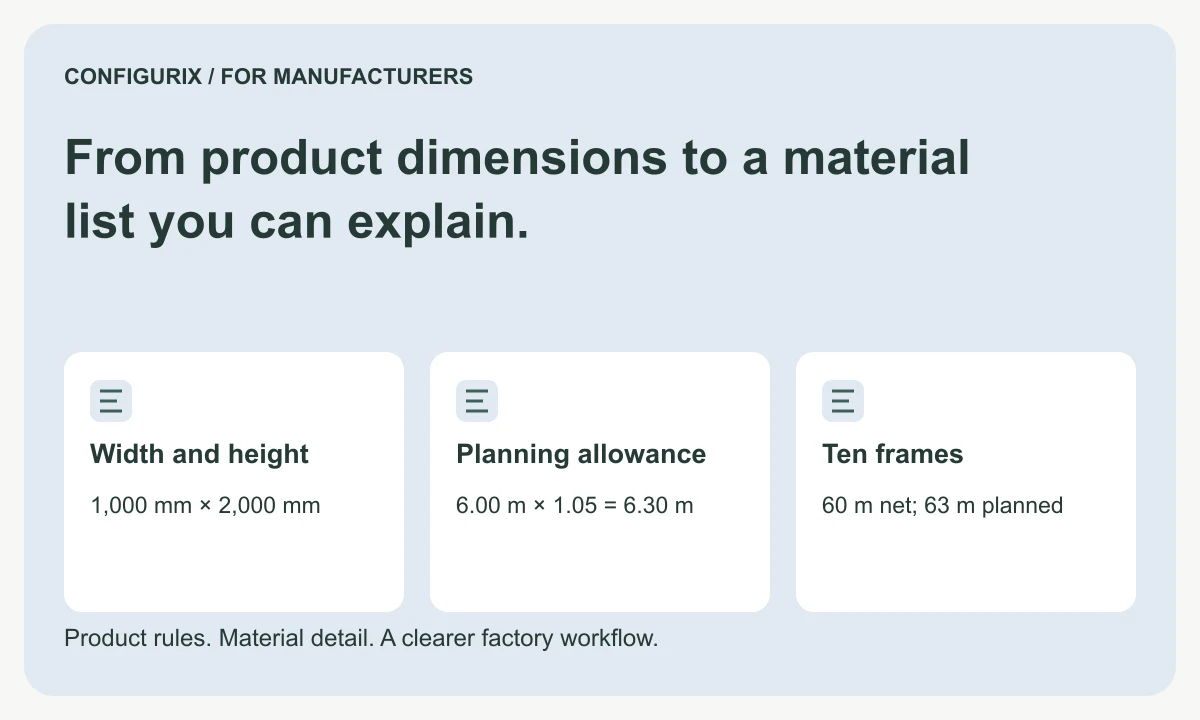
Table of contents
- Give every material line a complete identity
- Separate fixed, dimensional and conditional quantities
- Work through a quantity calculation
- Define rounding at the correct stage
- Test the edge cases that change materials
- Bring the BOM into the Configurix project specification
- Is a material allowance the same as purchase quantity?
- Can one option replace several BOM lines?
- Does a 3D model define all manufacturing quantities?
A configurable bill of materials turns an accepted product specification into identifiable components and quantities. The important question is not simply whether software can export a list. It is whether the factory can explain why each line is present, which product revision produced it and whether the quantity is expressed in pieces, metres, area, weight or another agreed unit.
Configurix creates custom manufacturer software around product choices and business rules. A BOM workstream can be scoped alongside a 3D configurator, quoting tools and order preparation. This article shows how to specify quantity logic and review it with the people who understand the product. The worked numbers describe a calculation exercise, not an approved design or a component specification for manufacture.
Give every material line a complete identity
A BOM line needs more than a friendly material name. “Aluminium profile” is too broad if purchasing stocks several sections, finishes and lengths. Agree which properties form part of the stock item and which describe processing performed later. Cutting a stocked profile to length is different from buying an already cut component.
| Field | Why it matters | Example record value |
|---|---|---|
| Component reference | Identifies what the line requests | PROFILE-A |
| Revision or specification | Distinguishes approved definitions | Revision B |
| Quantity | States the requirement | 6.00 |
| Unit | Makes the quantity interpretable | m |
| Quantity basis | Explains how it was obtained | Two heights plus two widths |
| Applicability | Explains when the line belongs | Frame option selected |
| Source configuration | Links back to the product decision | Accepted configuration revision |
| Release state | Distinguishes preparation from approval | Awaiting material review |
Use stable references even when descriptions are translated. A German material description and an English one can describe the same component; separate identifiers should indicate a real business distinction, not merely a language difference.
Separate fixed, dimensional and conditional quantities
A fixed component might contribute one lock set per enclosure. A dimension-based component might use the perimeter of a frame. A conditional component might appear only when a particular opening arrangement is selected. A batch consumable may belong to the production run rather than to each finished unit.
Write the rule in words before implementing it. For example: “Include one compatible handle set for each door leaf when the handle option is selected.” Then define “compatible,” identify the source of the leaf count and state whether the set already includes fixings. Otherwise the software may count the right number of sets and still produce the wrong material requirement.
Microsoft's documentation distinguishes constant and variable consumption and describes formula and rounding choices. These are useful categories to discuss with the receiving ERP team; its implementation must still be checked against your factory's definitions. Microsoft: material consumption.
Work through a quantity calculation
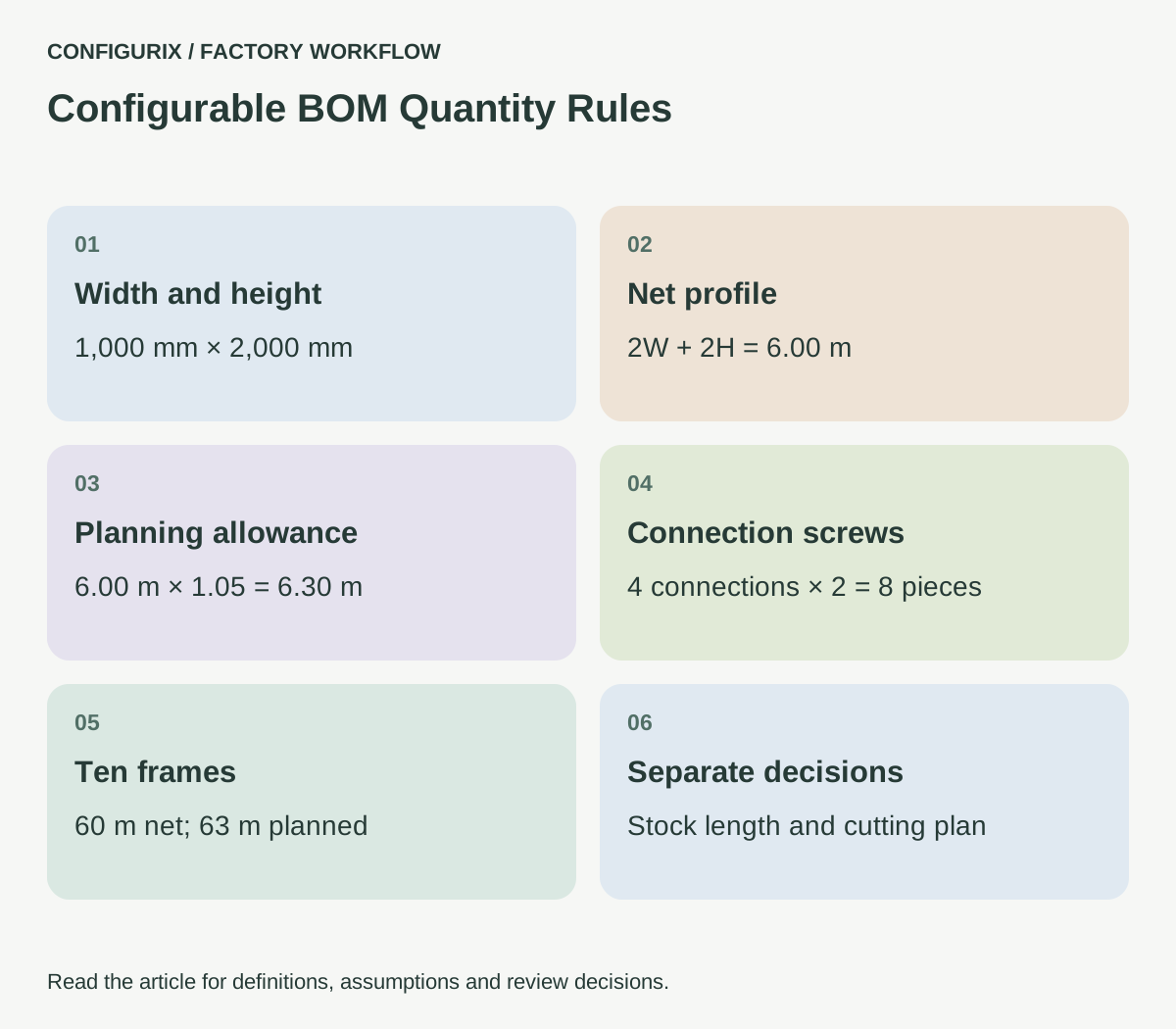
Consider a rectangular frame calculation with width 1,000 mm and height 2,000 mm. For this arithmetic exercise only, define the net profile requirement as two widths plus two heights, without joint deductions or machining allowances:
Net profile = 2 × 1,000 + 2 × 2,000 = 6,000 mm = 6.00 m
If the planning rule adds 5% to that net length, the planned requirement is 6.00 × 1.05 = 6.30 m. This does not mean that 6.30 m can be bought or cut from any stock arrangement. Stock lengths, cutting losses and usable remnants are separate decisions. Do not label the planning quantity a cutting plan.
Now define four corner connections and two screws per connection. The requirement is eight screws per frame. If the assembly uses one handle set and its supplier already includes its mounting screws, those screws should not appear again as loose material unless the factory deliberately wants spares.
 Open full-size image (new tab)
For an order of ten identical frames, the net profile is 60.00 m, the planning quantity is 63.00 m and the connection screws total 80 pieces. A consumable assigned once per production batch must not automatically be multiplied by ten. Make the distinction visible in the data model and export.
Define rounding at the correct stage
Rounding each unit and then multiplying can give a different answer from multiplying first and rounding once. A material requirement of 0.24 m per product becomes 24 m for 100 products. If each individual line is rounded to a whole metre before multiplication, the software would request 100 m. Neither a display preference nor a spreadsheet cell format should decide that policy.
Keep calculation precision separate from display precision. Store enough precision to repeat the calculation, then define the decimal places used in quotations and factory documents. For indivisible components, agree how fractional results are handled. A formula that returns 2.3 brackets probably needs a documented selection or rounding rule, not a silent conversion.
Distinguish an additive allowance from a yield assumption. Adding 5% uses net × 1.05; assuming 95% yield uses net ÷ 0.95. Those expressions are close but different. Give the field a name that explains the intended operation.
Test the edge cases that change materials
Create a small reference set with expected line-level outputs. Include the smallest valid product, the largest valid product, a size at an option threshold and a size just beyond it. Include a configuration without the accessory and one with it. Test each permitted opening arrangement and finish mapping.
When a rule changes, compare the output by component reference, quantity, unit and revision. A total material value can remain unchanged even though a wrong part was substituted. Record the expected difference: one reinforcement added, one handle replaced, or one quantity recalculated. Review both additions and removals.
Also test incomplete input. Missing dimensions, unknown finish references and discontinued items should produce an actionable exception. They should not become a zero quantity or disappear from the list. A reviewer must be able to distinguish “not required” from “not calculated.”
Bring the BOM into the Configurix project specification
Agree which BOM the first release prepares, where it is reviewed and how another system receives it. The Configurix guide for manufacturers explains how configuration can support the wider commercial and production journey. This quantity specification goes deeper into the rules that produce individual material lines.
Ask for a trace from selected option to material line to exported value. Include units and revision references in the acceptance criteria. If the factory later edits the output, decide whether the edit changes the accepted configuration or creates a downstream revision. Keeping both records clear is more useful than hiding the correction.
Is a material allowance the same as purchase quantity?
No. A planning allowance estimates additional consumption. Purchasing also considers stock on hand, reservations, approved substitutions and supplier pack sizes. Keep those values distinguishable.
Can one option replace several BOM lines?
Yes, a rule can be specified to replace an assembly and its associated components. Test the removal of the old components as carefully as the addition of the new ones, particularly where hardware is shared.
Does a 3D model define all manufacturing quantities?
Not necessarily. Fixings, adhesives, packaging and process consumables may not be modelled visually. They need explicit rules and material references even when the customer never sees them in the configurator.
Discuss your quantity rules as part of a product configurator implementation. Bring a product specification and its reviewed material list so the proposed workflow can be checked against an output your factory understands.
Connect configuration to the way your factory works.
Bring your product catalogue, pricing rules and current documents. We can define a product configurator implementation around the decisions and system connections your teams need.
Discuss your factory workflow →Related articles
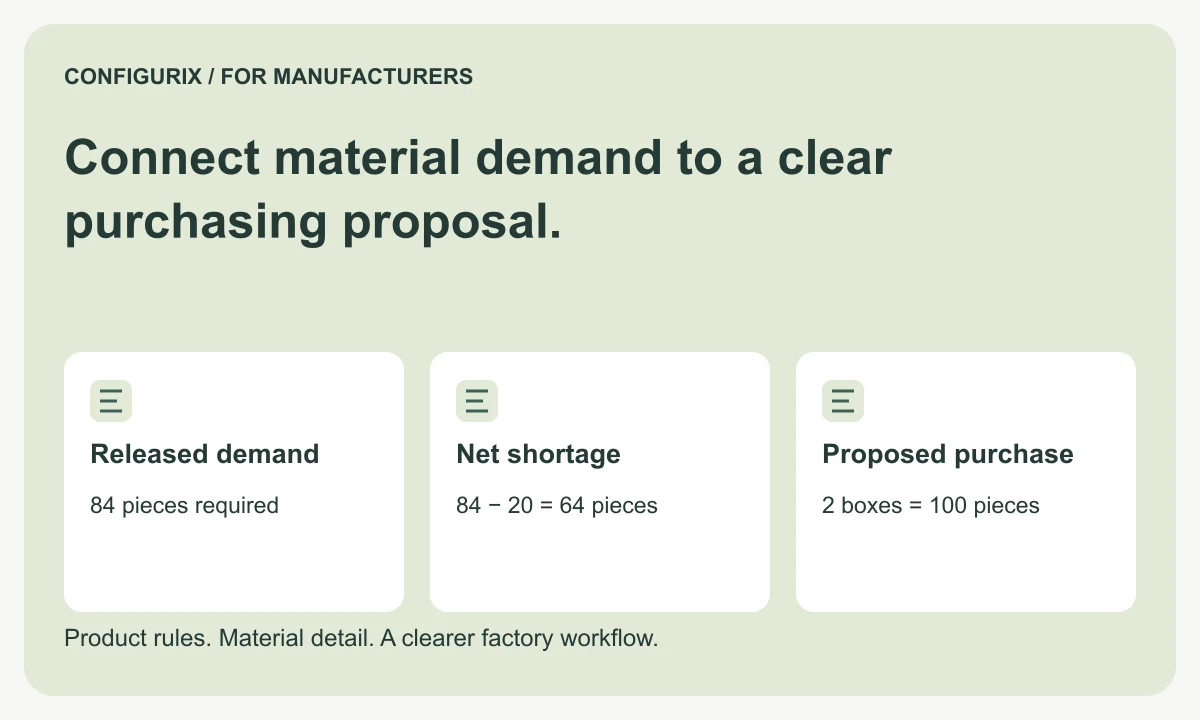
Connect material demand to a clear purchasing proposal.
Connect configured material requirements to purchasing units, available stock, pack-size rounding and approved substitutions with a worked example.
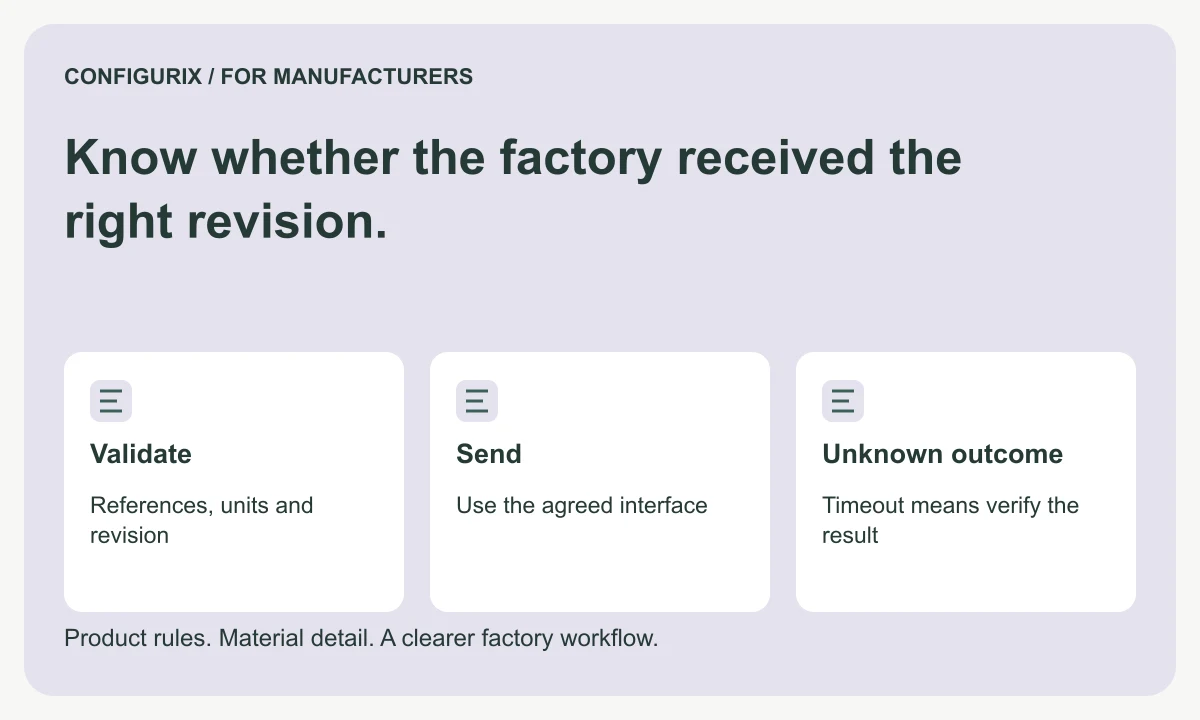
Know whether the factory received the right revision.
Specify BOM and order integrations with stable transfer IDs, field validation, acknowledgements, duplicate protection and timeout reconciliation.
Give each workstation the information it needs.
Specify production job packs with BOMs, cut lists, drawings, work instructions, operation checks and clear revision control for each workstation.