
Give each workstation the information it needs.
Specify production job packs with BOMs, cut lists, drawings, work instructions, operation checks and clear revision control for each workstation.
Table of contents
- Design the pack around the person doing the work
- Build a document manifest before designing the PDF
- Describe routing separately from material quantities
- Make changes visible at the workstation
- Plan for real factory conditions
- Test a complete pack, then test a broken one
- Can a job pack be both digital and printable?
- Should operators edit the BOM directly?
- Can Configurix connect the pack to our existing production system?
A production job pack brings together the information needed to build a specific order: the accepted configuration, material requirements, part references, operations, drawings and checks. Its value comes from agreement between those records. A polished document is not useful if the drawing shows one revision and the material list describes another.
Configurix connects product configurator and visual CPQ workflows to the documents manufacturers need after a sale. A job-pack workstream can be scoped around the outputs used by your operators. Start by defining what each workstation must know, which decisions require review and how the pack stays connected to the released configuration.
Design the pack around the person doing the work
A planner, cutting operator, assembler and packer do not need the same information at the same moment. Give each role a clear view of its task while preserving access to the underlying product and revision references.
| Role or station | Information to prioritise | Decision or record |
|---|---|---|
| Planning | Order identity, readiness and required resources | Accept, hold or assign work |
| Material preparation | Item references, quantities, units and locations | Confirm issue or report shortage |
| Cutting or processing | Part dimensions, drawing references and orientation | Record completion or an exception |
| Assembly | Component destinations and instruction revision | Confirm the assembly step |
| Quality review | Applicable checks and acceptance criteria | Record result and release decision |
| Packing | Kit contents, protection and destination | Confirm completeness and shipment identity |
Avoid copying the complete customer quotation into every workstation view. Commercial descriptions can help identify the order, but an operator needs precise production references and the correct instruction. Prices and internal margins may be irrelevant or confidential.
Build a document manifest before designing the PDF
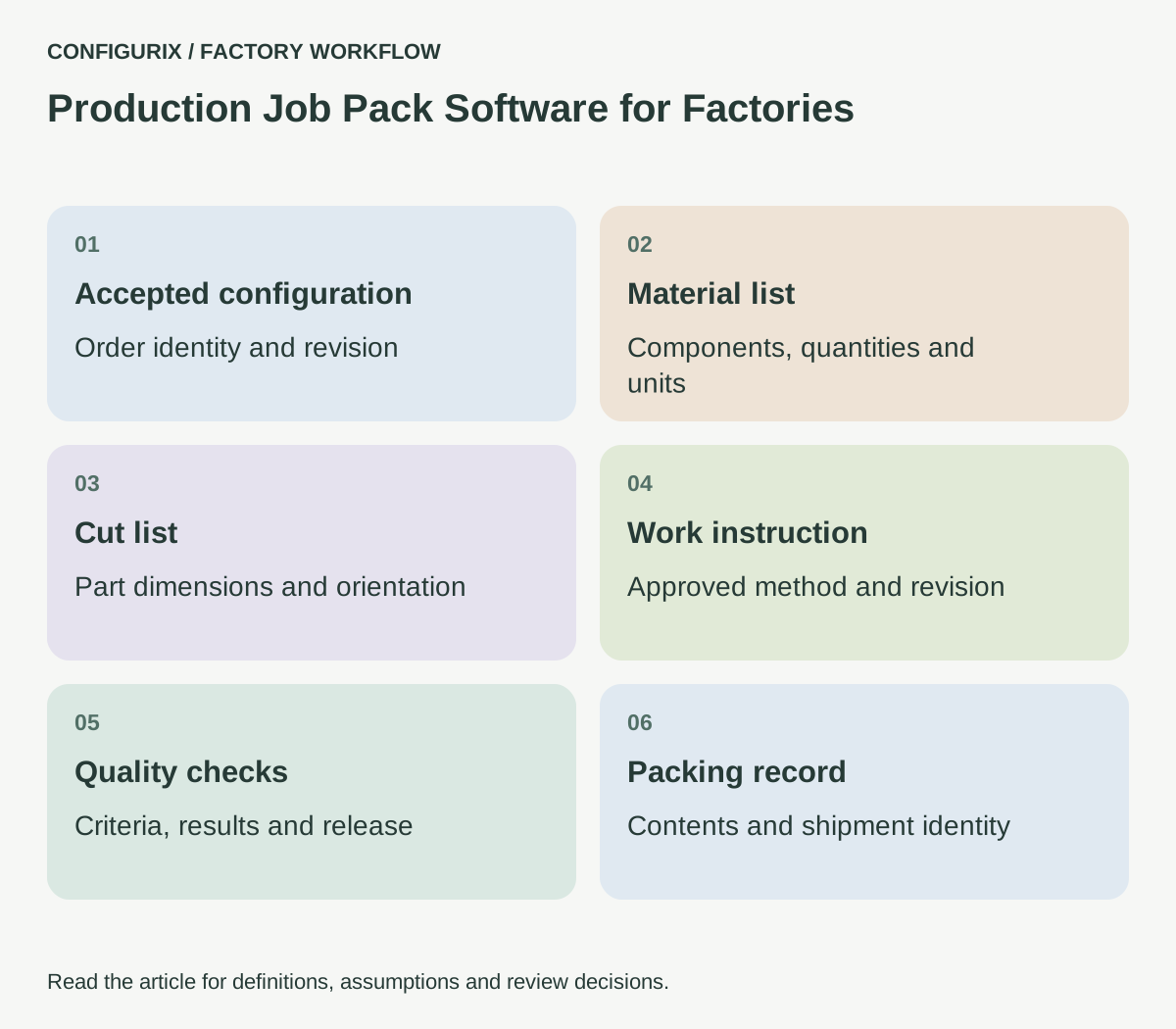
List the records that make up the pack. For each one, specify its identifier, revision, owner and release condition. A manifest can include the accepted configuration, BOM, cut list, assembly drawing, work instruction and inspection plan.
For a configured frame assembly, the cutting station might need drawing DR-210 revision B and cut list CL-210 revision 3. The assembly station might use instruction WI-014 revision D. These references are identifiers for a proposed document structure. The software must receive the real approved documents and associations from the manufacturer.
A reviewer should be able to see whether the pack is complete and whether each document applies to the current configuration. “Latest document” is not always the right document for an earlier accepted order. Define the effective revision and the policy for updating work that has already been released.
 Open full-size image (new tab)
Describe routing separately from material quantities
A BOM describes material requirements. A routing describes operations and their sequence, resources or dependencies. A product can use the same material list while needing a different operation because of its finish, drilling pattern or assembly option.
For a connected configurator workflow, capture the condition that selects an operation and the output that confirms it is complete. If coating must happen before assembly, decide whether the system prevents the next step or simply warns the planner. An actual control should be tested as a control; a text reminder should not be described as an enforced sequence.
Include subcontract work explicitly. A part sent outside the factory needs an identity, instruction, expected return and a way to record receipt. The internal job pack should distinguish “sent for processing” from “processing complete.”
Make changes visible at the workstation
A customer may change a dimension after material preparation. Engineering may revise an instruction while the order is in progress. Decide how a new pack revision is issued and what happens to earlier copies.
For digital workspaces, show the relevant revision prominently and require a defined action when work has changed. For printed packs, agree how obsolete copies are withdrawn and how a replacement is identified. A QR code can help link paper to a record, but it does not by itself prove that the paper is current or that the scanned user is authorised.
A change comparison should identify affected parts, quantities, instructions and operations. The factory then needs a decision about work already completed. Do not reset a completed operation silently when a new document arrives; record whether it remains accepted or needs rework.
Plan for real factory conditions
Test the interface where it will be used. Gloves, glare, dust, distance from the screen and shared devices affect usability. A long desktop table may be unsuitable for a tablet at an assembly station. Prioritise readable references, large task controls and clear exception messages.
Connectivity also needs an explicit scope. If offline work is required, define what can be viewed, what can be recorded and how conflicting updates are resolved. If the first release requires a connection, make interrupted actions visible and prevent a user from mistaking an unsaved action for a completed record.
Authentication should fit the process without making responsibility ambiguous. A shared screen and an individual approval are different requirements. Agree how the factory identifies the person responsible for a material substitution, quality decision or work completion.
Test a complete pack, then test a broken one
For the first product family, prepare one reference order with an independently reviewed pack. Compare all identifiers, quantities, units, dimensions and document revisions. Ask each workstation owner to complete a walkthrough using the proposed output.
Then remove a required instruction, introduce an unknown component and change the accepted configuration after release. Confirm that the system gives a useful status and assigns the exception. Include a duplicate completion action and an interrupted save if operators will interact with the application directly.
The factory quality records and traceability guide covers the release decision and its records. This job-pack specification focuses on what employees receive after that decision and how they know the information still applies.
Can a job pack be both digital and printable?
Yes, that can be specified. Define which medium is authoritative and how revision identity remains visible in both. Test page breaks and legibility using the factory's actual printer and device requirements.
Should operators edit the BOM directly?
Only through a workflow the factory has deliberately approved. A shortage report, substitution request and authorised BOM revision are different actions and should not be combined into an unrestricted text edit.
Can Configurix connect the pack to our existing production system?
Bring the supported interfaces and a representative order to discovery. Agree whether the configurator prepares documents, exchanges status or creates records in the receiving system, then test that exact scope.
Explore product configurator implementation with Configurix. Bring one current job pack and let each workstation explain which missing or unclear detail causes the next phone call.
Connect configuration to the way your factory works.
Bring your product catalogue, pricing rules and current documents. We can define a product configurator implementation around the decisions and system connections your teams need.
Discuss your factory workflow →Related articles
Know whether the factory received the right revision.
Specify BOM and order integrations with stable transfer IDs, field validation, acknowledgements, duplicate protection and timeout reconciliation.
Connect quality records to the product you built.
Plan factory quality workflows linking configurations, material lots, serial numbers, inspection results, rechecks and authorised release decisions.
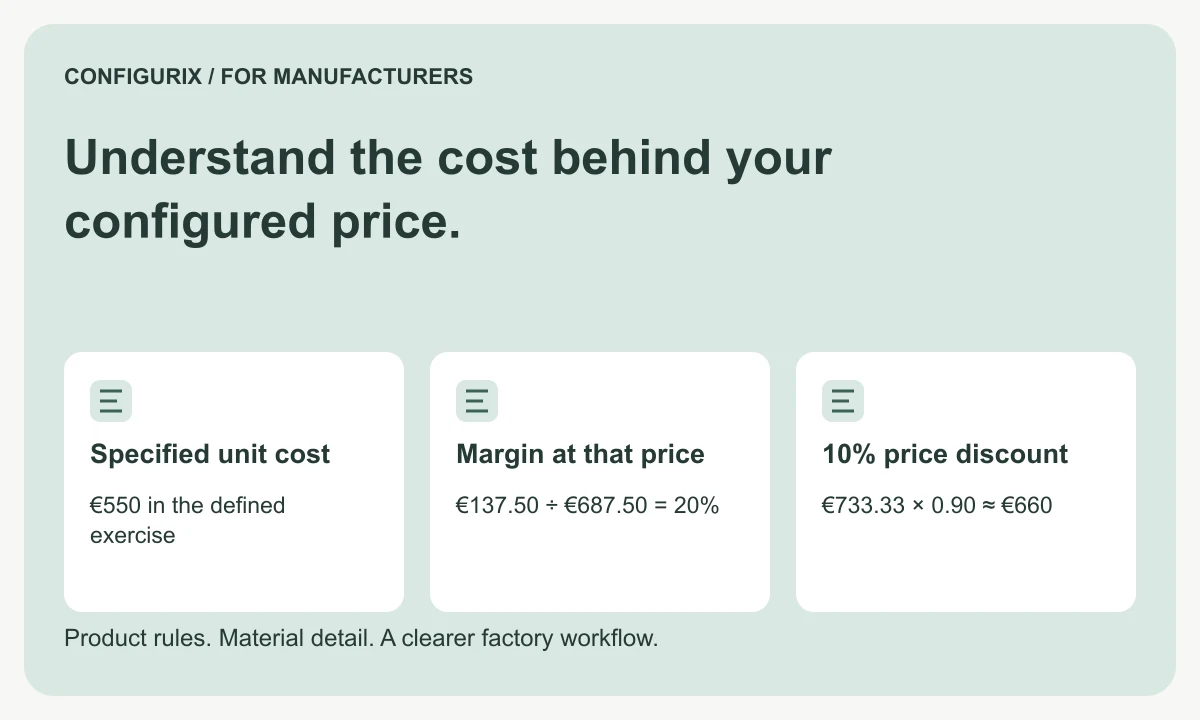
Understand the cost behind your configured price.
Connect BOM materials, operations, setup and packaging to quote pricing. Compare markup, margin and discounts using a worked factory cost example.