
What a U.S. Pergola Configurator Demo Must Prove
A practical acceptance checklist for a U.S. pergola configurator demo using your models, feet and inches, USD pricing, sales tax, installation costs and payment workflow.
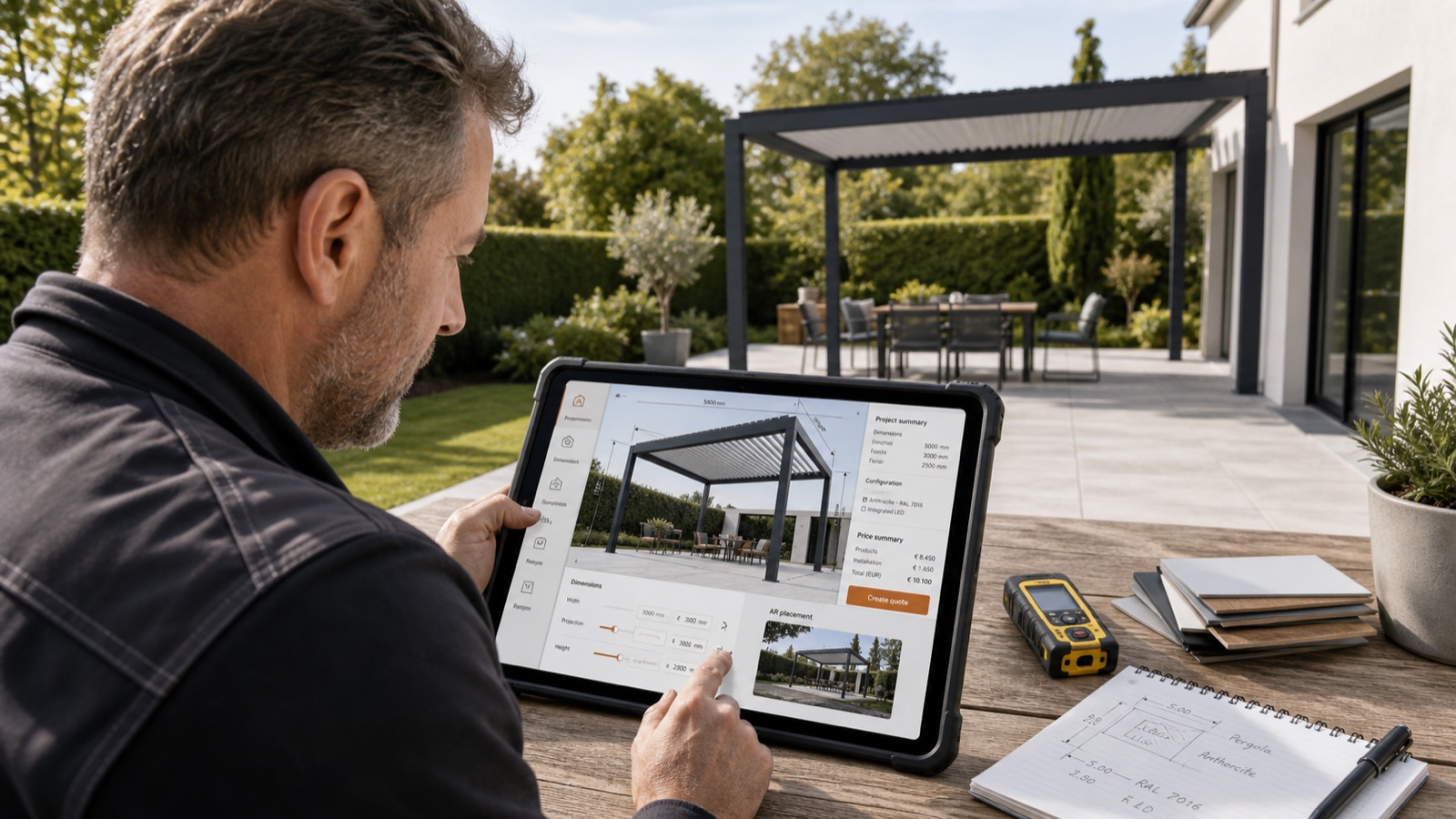
Table of contents
- Start with one accepted pergola model
- Test feet and inches at the boundaries
- Demand a traceable USD price
- Use a real U.S. project address for tax testing
- Demonstrate installation pricing as a calculation
- Run the payment processor in a sandbox
- Finish with one connected record
- The Configurix demo standard
- Frequently asked questions
- Can Configurix demonstrate our own pergola model?
- Can the demo use feet, inches and U.S. dollars?
- Does Configurix calculate sales tax automatically?
- Can installation pricing be included?
- Can we test Stripe without taking a real payment?
A serious U.S. pergola configurator demo should answer one question: can this software represent the way your business actually sells a pergola?
A polished generic model is not enough. Before evaluating a vendor, ask for a representative workflow using:
- your exact pergola family and model identifier;
- your permitted dimensions in feet and inches;
- your option and compatibility rules;
- your price list in U.S. dollars;
- your address-based sales-tax process;
- your delivery and installation pricing;
- your payment processor in its test environment;
- your quote and project handoff.
If the vendor cannot demonstrate those elements together, you have seen a 3D viewer—not proof that the configurator can run your sales workflow.
Start with one accepted pergola model
Do not begin the demo with a model chosen by the software vendor. Select one real, regularly sold product from your catalogue and provide its source material.
The acceptance pack should identify:
| Input | Example of the required evidence |
|---|---|
| Product identity | Your family code, model code and current revision |
| Structure | Wall-mounted, freestanding, cantilevered or multi-bay |
| Roof | Motorized louvered, retractable, fixed or another defined system |
| Dimensions | Minimums, maximums, increments and model-specific exceptions |
| Options | Screens, sliding glass, lighting, heaters, sensors and finishes |
| Dependencies | Options that require, exclude or replace another component |
| Pricing | Base price, size formula, options, freight, installation and tax treatment |
| Outputs | Customer quote, internal record and required downstream data |
The model code must remain visible in the saved configuration and quote. If the customer chooses a different family, the software should load that family’s own dimensional and commercial rules rather than repainting the same generic geometry.
Configurix does not impose a stock pergola catalogue on the customer. The accepted manufacturer or dealer catalogue defines the model identities, rules, prices and outputs included in the implementation.
Test feet and inches at the boundaries
A U.S. demo should not merely replace “m” with “ft.” It should show how measurements are entered, stored, rounded, displayed and transferred.
Use at least three cases:
- a standard size such as 12 ft × 10 ft;
- a mixed measurement such as 14 ft 3 in × 11 ft 6 in;
- a value just outside a permitted increment or maximum.
The third case is important. A useful configurator explains whether the dimension is invalid, rounds only under an approved rule, or routes the project to technical review. It must not silently change a customer’s measurement.
The same dimensions should appear consistently in the 3D scene, configuration summary, quote and project record. If production uses another canonical unit internally, the conversion and rounding policy should be explicit and tested.
Read the detailed feet, inches and USD pergola configurator guide.
Demand a traceable USD price
Ask the vendor to calculate a known configuration from your approved price list. The demo should show more than one total.
You should be able to identify:
- the model or base-structure price;
- dimension or area adjustments;
- roof and motor pricing;
- screens, glazing, lighting and other options;
- finish or colour-group adjustments;
- delivery or travel charges;
- installation labour and site charges;
- discount and approval behavior;
- taxable and non-taxable lines;
- the final USD total.
Change one input and confirm that only the expected price rules change. Then reopen the project and verify that the same price revision is still attached to the same configuration.
The Configurix pricing-engine guide explains how formulas, tables, dependencies, effective dates and audit records can work together.
Use a real U.S. project address for tax testing
“U.S. sales tax supported” is too vague. A credible demo uses a complete test address and an approved tax source. It also states which commercial classification is being tested: a retail product sale, installed real-property work, a taxable installation service, an exempt transaction or another accepted scenario.
The demo should preserve:
- project and delivery address;
- transaction or quote date;
- state and local jurisdictions;
- product and service tax classifications;
- exemption status when applicable;
- returned rate and tax amount;
- source and version of the tax result;
- manual-review status where the business requires it.
Sales-tax treatment varies by jurisdiction and transaction. Configurix applies the tax data, classifications and rules approved for the implementation; it does not replace a state revenue authority or tax adviser.
See the full U.S. sales-tax and installation-pricing guide.
Demonstrate installation pricing as a calculation
Installation should not be one unexplained number unless that is genuinely how your business prices it.
A representative demo can include:
- base crew charge;
- structure or bay count;
- screen, glass, lighting or heater labour;
- footing or foundation package;
- demolition or removal;
- access and lifting requirements;
- travel, delivery or zone surcharge;
- permit or survey allowance;
- dealer or subcontractor rate;
- escalation to site review when the condition cannot be priced safely online.
Change the ZIP code, model, dimension or accessory and verify the expected installation rule. The customer-facing quote can remain clean while the internal calculation retains the detail needed for review.
Run the payment processor in a sandbox
If the proposed workflow collects a design deposit, survey fee or order payment, ask to see the actual processor in test mode. For a Configurix project using Stripe, that means a Stripe sandbox transaction connected to the saved quote or project—not a static “Pay now” button.
Verify:
- the amount is taken from the accepted quote revision;
- the currency is USD;
- the processor receives a stable project or quote reference;
- a successful test payment updates the correct project once;
- a declined payment does not mark the order as paid;
- retries do not create duplicate deposits;
- the sales team can see the payment status without handling card details.
Stripe documents that sandbox transactions use test values and do not move funds. Its Payment Intents API carries the amount, currency and changing payment status through the checkout lifecycle. Those are useful acceptance points for a processor-connected configurator.
Read the pergola configurator and Stripe payment workflow.
Finish with one connected record
The final proof is continuity. The model, dimensions, options, visualization, itemized price, tax result, installation calculation, quote revision and payment status should belong to one project.
Ask the presenter to:
- save the configuration;
- leave the screen;
- reopen the project;
- revise one option;
- regenerate the quote;
- show the superseded and current revisions;
- complete a sandbox payment;
- show the data available for CRM, order or installation handoff.
That sequence exposes the difference between a prepared animation and a working sales system.
The Configurix demo standard
Configurix is white-label 3D product configurator and CPQ software for manufacturers, dealers, installers, retailers and sales teams. A scoped U.S. pergola demonstration can use the customer’s accepted model, dimensions, price logic, installation rules, tax inputs and payment workflow.
The working build and signed scope determine what is supported. The right first demo is therefore narrow and specific: one real product, several meaningful options, one known price case, one tax address, one installation calculation and one test payment.
Book a Configurix demo and bring the catalogue page, price sheet, installation rules and expected result for one representative pergola model.
Frequently asked questions
Can Configurix demonstrate our own pergola model?
Yes, when you provide the required drawings, model identity, dimensions, options, compatibility rules and prices for the agreed demonstration or implementation scope.
Can the demo use feet, inches and U.S. dollars?
Yes. The unit display, input increments, rounding policy and USD formatting can be configured for the U.S. workflow and tested against your accepted examples.
Does Configurix calculate sales tax automatically?
Configurix can use approved tax tables, services or integrations and the transaction classifications supplied for the project. Your business remains responsible for confirming the correct tax treatment and source.
Can installation pricing be included?
Yes. Installation can use fixed charges, formulas, zones, option labour, site packages and manual-review triggers based on your approved pricing method.
Can we test Stripe without taking a real payment?
Yes. When Stripe is included in scope, the acceptance workflow should use Stripe’s sandbox and test payment methods rather than real card details.
Ready to try Configurix?
See how the configurator, quoting and CRM work together for your business.
Book a demo →Related articles
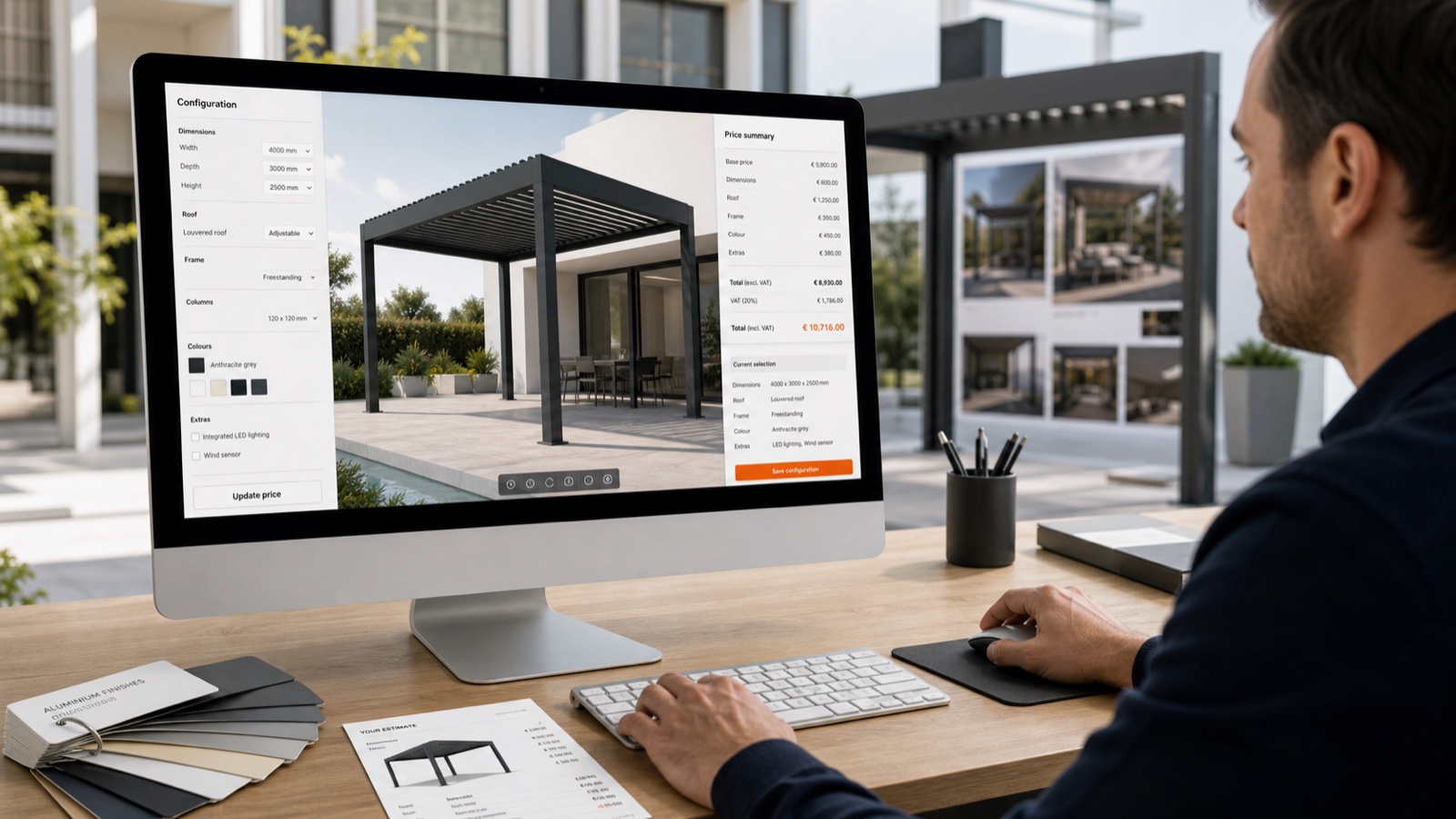
Pergola Configurator in Feet, Inches and USD: A Worked U.S. Example
See how a U.S. pergola configurator should preserve feet and inches, apply model-specific rules and produce a traceable USD price from one saved design.
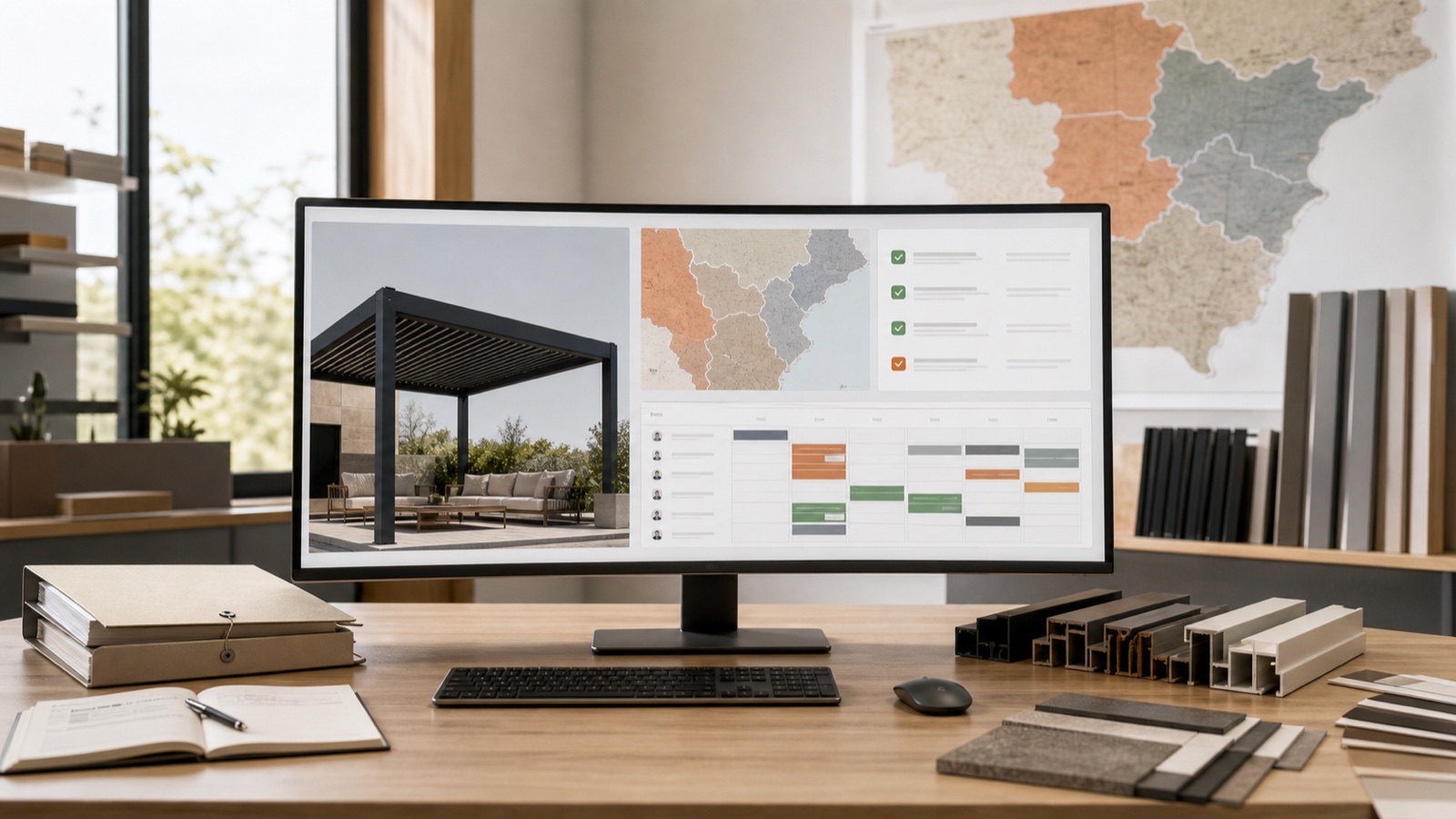
U.S. Sales Tax and Installation Pricing in a Pergola Configurator
Learn how a pergola configurator can separate product, delivery, installation and tax logic by address without hiding the assumptions behind one total.
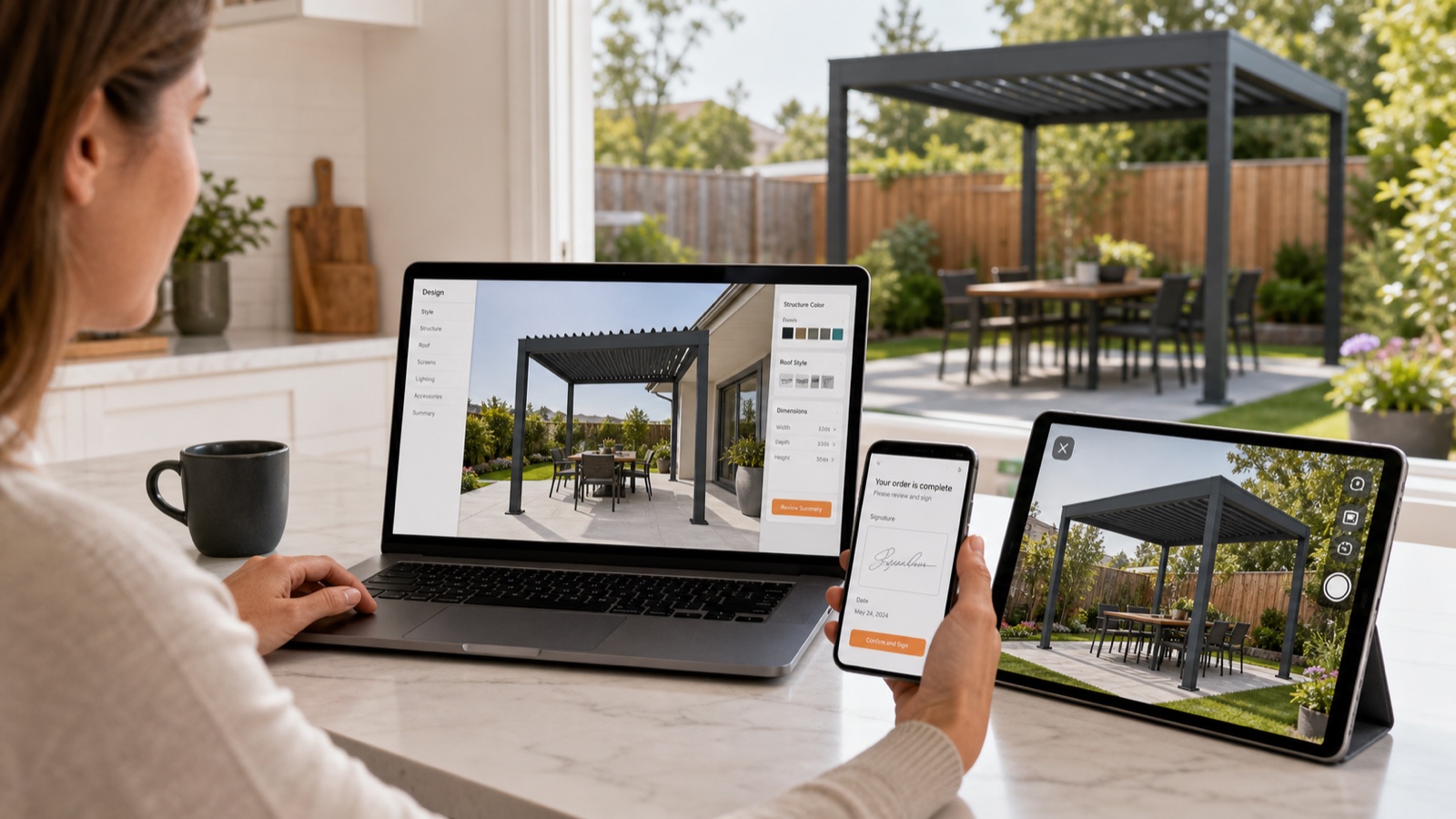
From Configured Pergola to Stripe Deposit: A Testable Payment Workflow
Follow a configured pergola from accepted USD quote to Stripe test payment while preserving the model, revision, tax, deposit amount and project status.
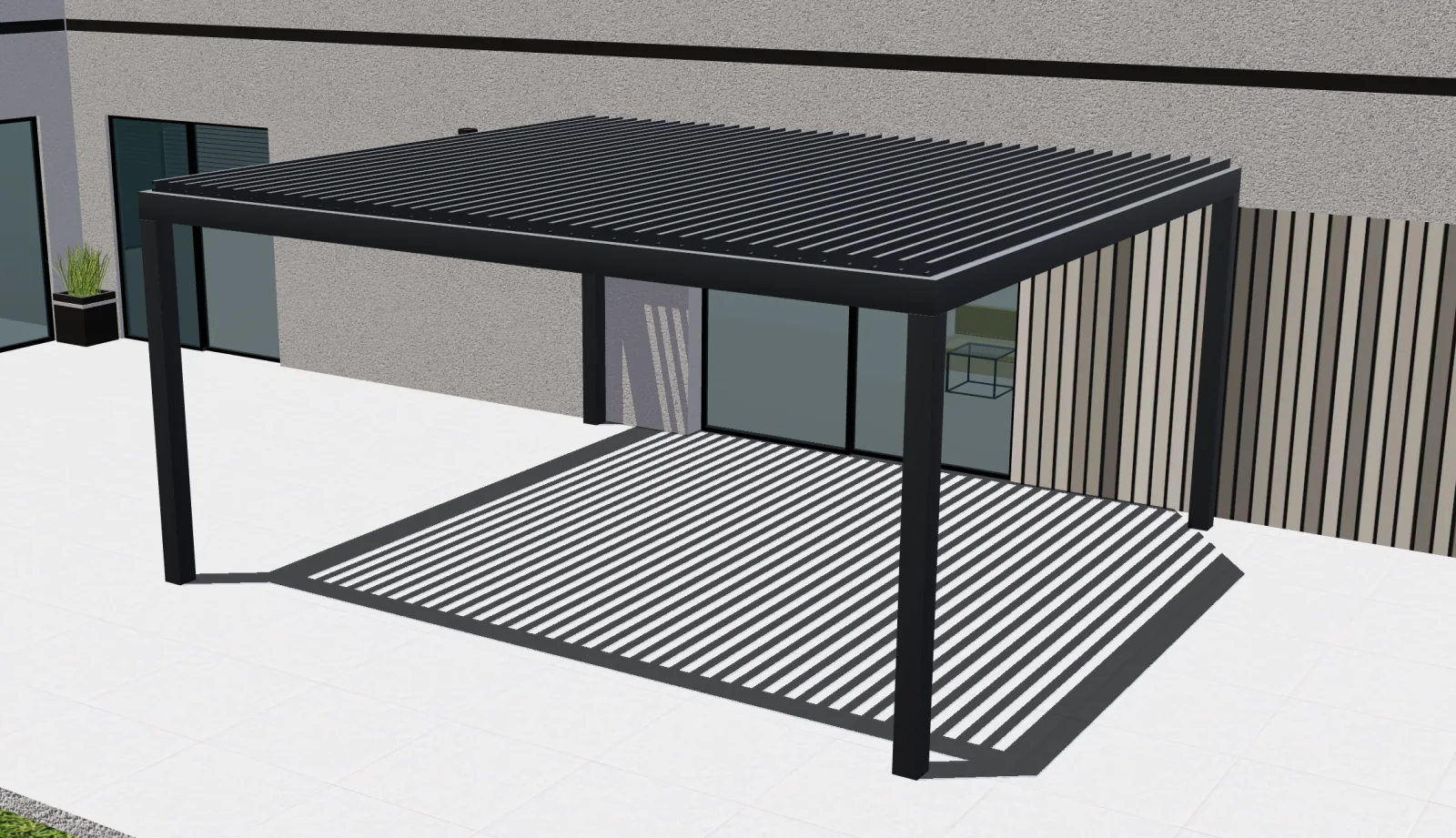
How to evaluate Configurix in a private pergola configurator demo
Five practical tests for choosing a 3D pergola configurator. Evaluate Configurix with your catalog, pricing rules and required production outputs.