
Keep every assembly connected to its components.
Plan multilevel configurable BOMs with assembly quantities, purchased kits, option inheritance, traceable aggregation and component revisions.
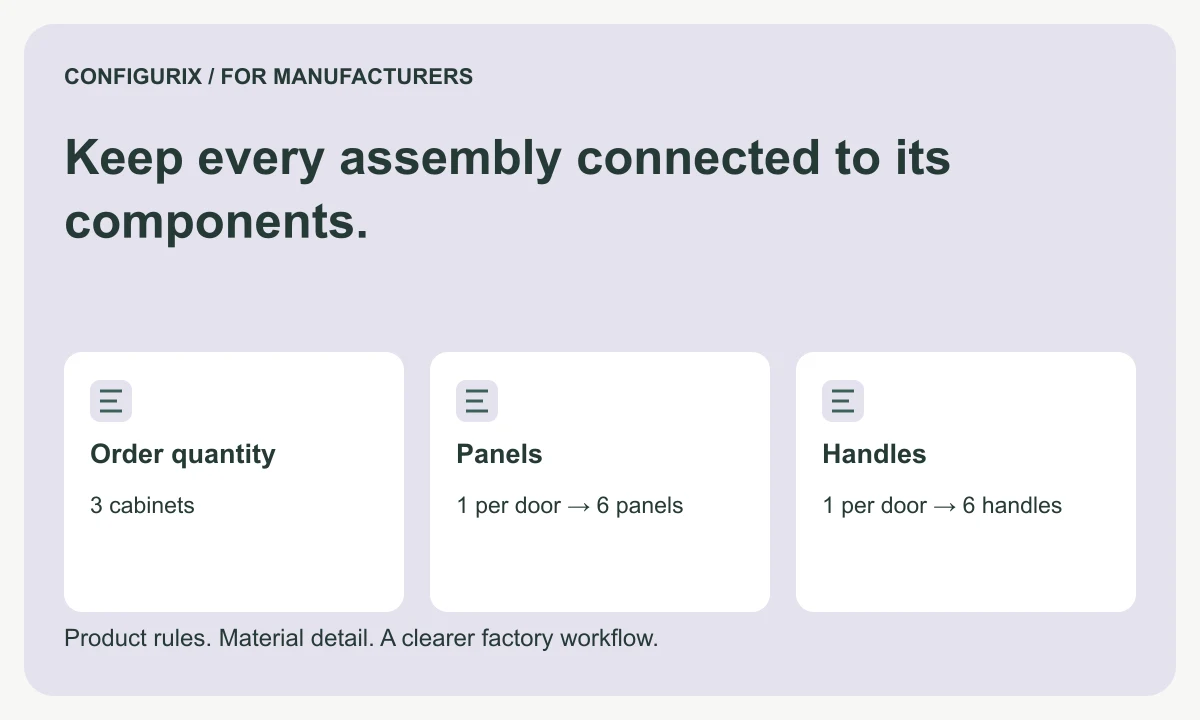
Table of contents
- Define the role of each level
- Multiply quantities through the hierarchy
- Decide when an assembly is expanded
- Resolve options at the correct level
- Aggregate material without losing its destinations
- Guard against broken structures
- Is a kit always a subassembly?
- Can the same component appear in several branches?
- Should we export every level to ERP?
A multilevel bill of materials describes a product through its assemblies and the components inside them. That structure helps a manufacturer distinguish a complete purchased unit from an assembly built internally, and a reusable module from a group of parts that should be issued directly to the parent order.
Configurix implements product configurator and visual CPQ workflows for manufacturers whose products have these relationships. When specifying a configurable BOM, decide how the selected options affect the hierarchy, what each department needs to see and how the receiving system represents an assembly. A flat material export can be useful, but it should not erase the relationships needed to explain the product.
Define the role of each level
Consider a cabinet with a frame assembly, two door assemblies and a mounting kit. The frame and doors may have their own components. The mounting kit may be purchased complete. The manufacturer should decide whether each assembly is stocked, made for the order or simply a convenient grouping of components.
| BOM structure | Business question | Output requirement |
|---|---|---|
| Finished product | What did the customer order? | Configuration and order identity |
| Manufactured subassembly | What is built separately? | Assembly reference and child components |
| Purchased assembly | What arrives as one supplied item? | Supplier-compatible item identity |
| Logical grouping | Which components belong together in the design? | Defined expansion behaviour |
| Service kit | What must be supplied together later? | Kit contents and applicable product revisions |
Keep the meaning explicit. A purchased hinge kit should not be treated as a manufactured subassembly merely because both contain several physical pieces. Their procurement and production requirements differ.
Multiply quantities through the hierarchy
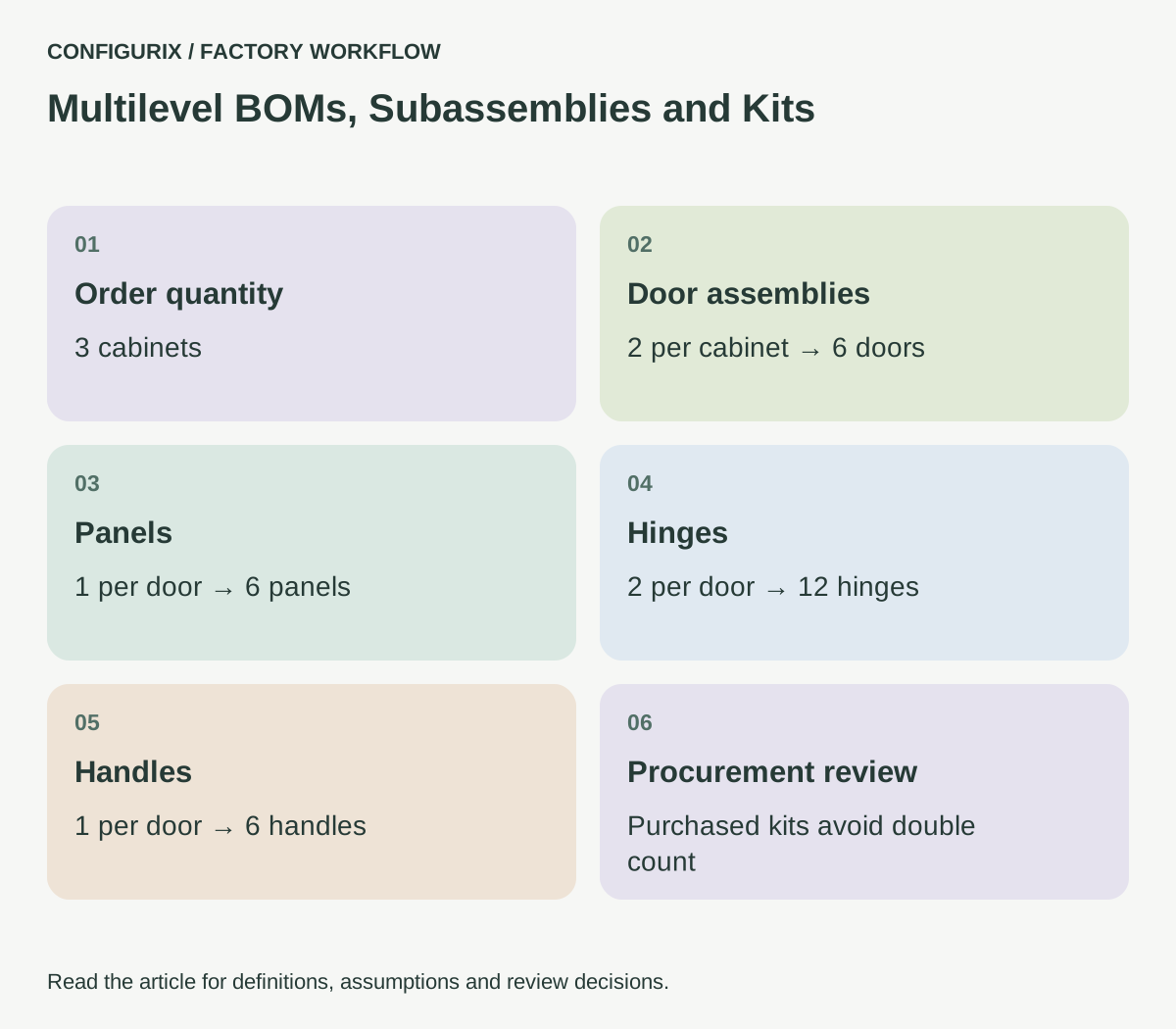
Suppose one cabinet contains two door assemblies. Each door assembly requires one panel, two hinges and one handle. One cabinet therefore requires two panels, four hinges and two handles through that branch of the BOM. An order for three cabinets requires six panels, twelve hinges and six handles.
The quantity calculation has two multipliers: assemblies per parent and parent products per order. Store both. A line stating “hinges: 12” is less informative than a trace showing two hinges per door, two doors per cabinet and three cabinets per order.
 Open full-size image (new tab)
This exercise assumes the hinges are loose components consumed during assembly. If the selected purchased door assembly already includes its hinges and handles, requesting both the assembly and its internal components may double-count procurement. The export needs to distinguish a descriptive component breakdown from a list of items actually required from stores or suppliers.
Decide when an assembly is expanded
Some factories need a planning view that preserves assemblies and a picking view that lists their components. Others build a subassembly to stock and issue it as a single item. Define the view and its purpose rather than using “explode the BOM” without further explanation.
Microsoft documents different BOM line types, including phantom lines that expand lower-level components under defined conditions. That is a useful reminder that the same-looking hierarchy can have different execution behaviour in a receiving system. Microsoft: BOM line types.
For a Configurix project, agree the mapping with the factory's ERP or production owner. A label called “kit” in the configurator does not establish how the receiving system will procure, reserve or issue it. Verify the behaviour using a specific product and expected downstream records.
Resolve options at the correct level
A customer may select a finish for the entire cabinet while choosing different hardware for its doors. Decide which options are inherited by children and which can be overridden. If a frame finish changes, the system should not automatically change a purchased handle finish unless the product rules say it should.
Version the relationships as well as the individual component definitions. A door assembly can retain the same commercial description while its approved hinge changes. An accepted order needs to identify which assembly revision and child references were reviewed. Otherwise reopening the product later could silently show today's component set instead of the ordered one.
A useful rule table includes parent selection, affected assembly, component addition, component removal and any review requirement. Test that an optional reinforcement is included exactly once even when two different selections can make it necessary.
Aggregate material without losing its destinations
Purchasing may want a total count of one hinge reference across several assemblies. Production may need separate quantities for each cabinet. Both views can be valid. Preserve the allocation behind the total so a team can trace demand back to the parent orders.
For example, twelve identical hinges can be aggregated into one procurement requirement while still showing four assigned to each of three cabinets. If one cabinet is cancelled, the factory needs to know whether those four hinges are unreserved, retained for another order or already consumed. A total-only spreadsheet cannot explain that decision by itself.
Do not aggregate components that merely share a description. Revision, finish, unit, approved substitute status and applicable site can affect whether lines are interchangeable. Agree the aggregation key in the implementation specification.
Guard against broken structures
A BOM hierarchy should not contain a cycle: assembly A cannot require assembly B if B eventually requires A again. The software should reject that definition and identify the path causing the problem. It should also identify missing component references, undefined quantities and incompatible units.
Set practical review rules for depth and size. A very deep hierarchy may be legitimate, but it can become hard to maintain and difficult to export. Start with actual assemblies from the factory and decide which levels represent meaningful work or stocking decisions.
Test alternative branches as well as the default configuration. Include a purchased assembly, an internally manufactured assembly, an optional child and a repeated component. Ask the reviewer to reconcile both the hierarchical view and the flattened totals.
Is a kit always a subassembly?
No. A kit can represent items supplied together without being assembled in the factory. Its meaning should be specified for purchasing, picking and delivery rather than inferred from its name.
Can the same component appear in several branches?
Yes. Reuse a stable reference where the component is genuinely the same. Maintain the quantity and destination associated with each parent so totals remain traceable.
Should we export every level to ERP?
Only if the receiving process needs it and the interface supports the agreed structure. Define whether the transfer creates a product structure, a material requirement, an order-specific BOM or another record.
Bring one assembly drawing and a reconciled material breakdown to a Configurix implementation discussion. Pair this specification with the Configurix guide for manufacturers to decide which structure each team should receive and who owns changes to it.
Connect configuration to the way your factory works.
Bring your product catalogue, pricing rules and current documents. We can define a product configurator implementation around the decisions and system connections your teams need.
Discuss your factory workflow →Related articles
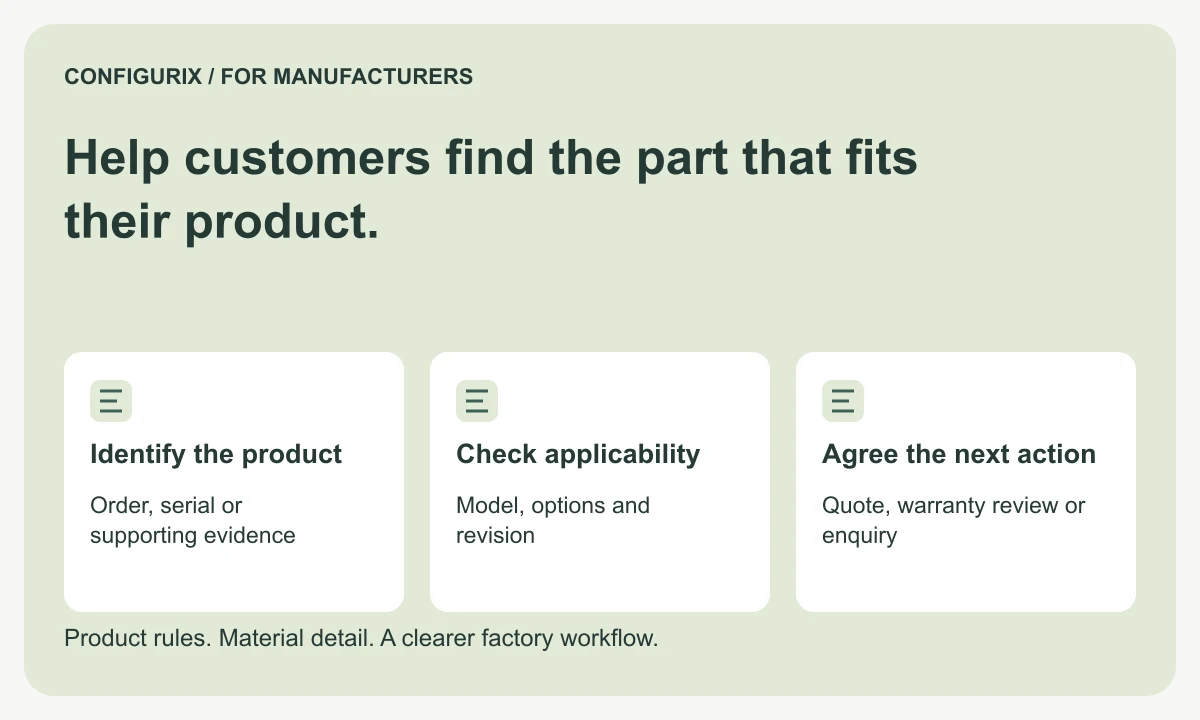
Help customers find the part that fits their product.
Plan a manufacturer spare-parts portal with product identification, historical configurations, replacement compatibility and reviewed service requests.
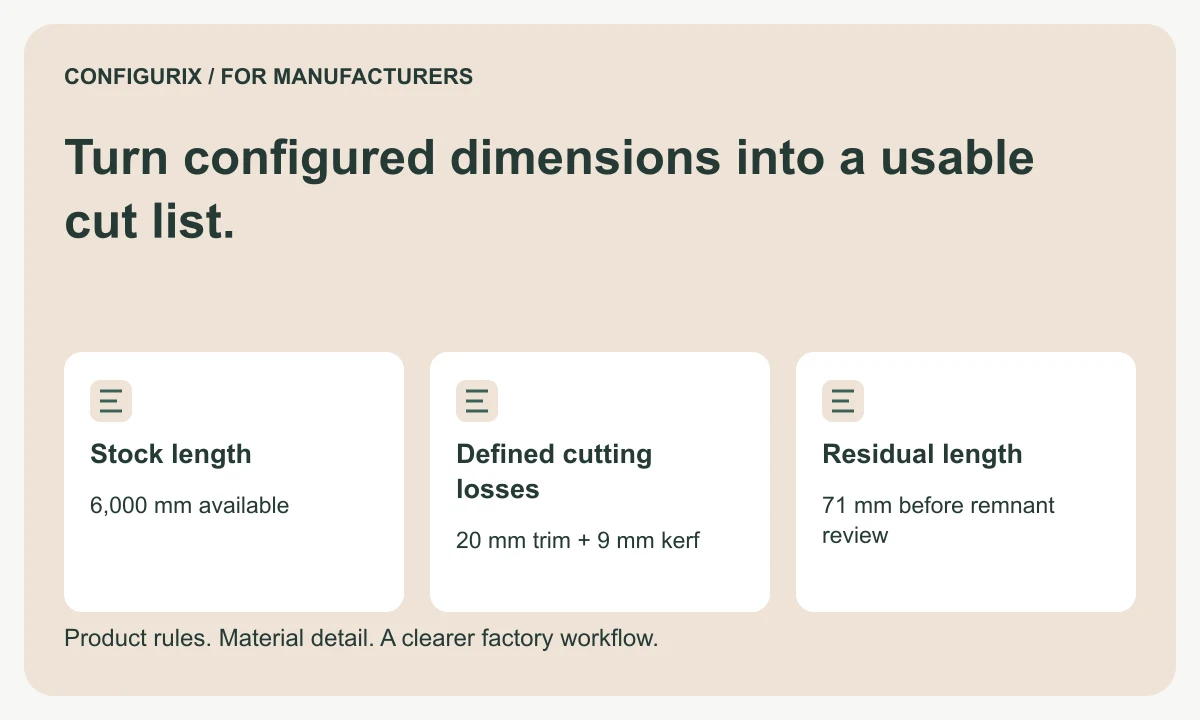
Turn configured dimensions into a usable cut list.
Specify cut lists with finished dimensions, kerf, trimming, stock lengths and remnant rules. Follow a worked cutting-feasibility calculation.
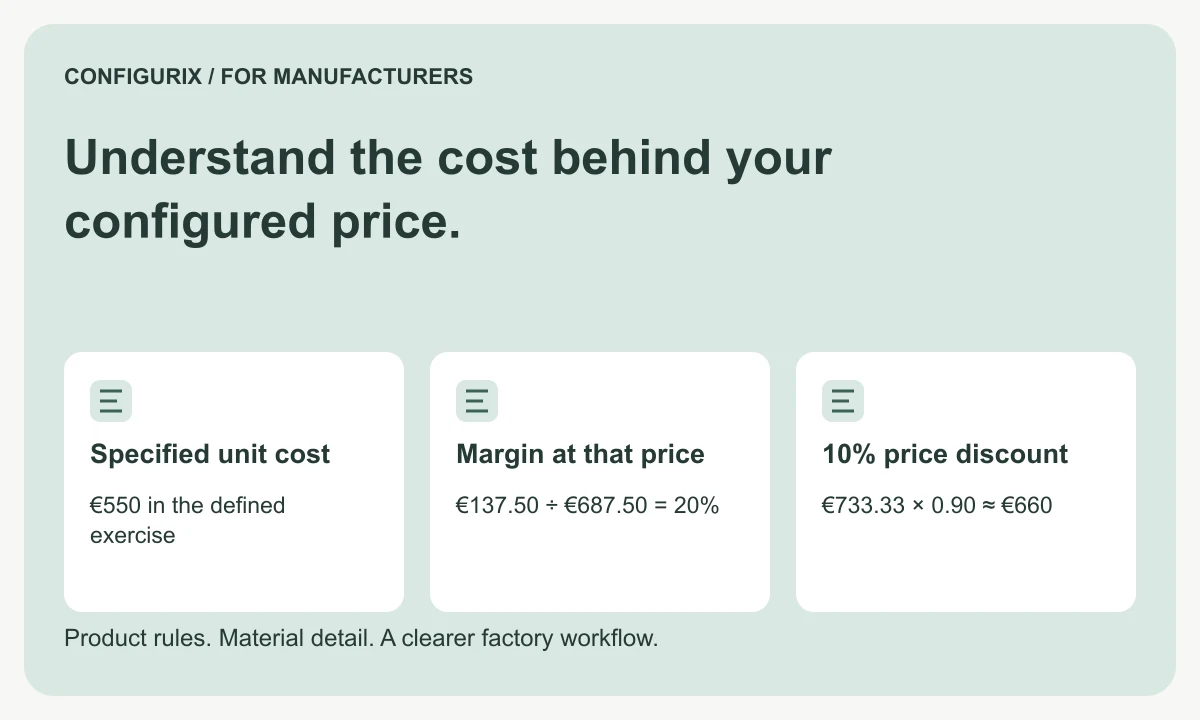
Understand the cost behind your configured price.
Connect BOM materials, operations, setup and packaging to quote pricing. Compare markup, margin and discounts using a worked factory cost example.
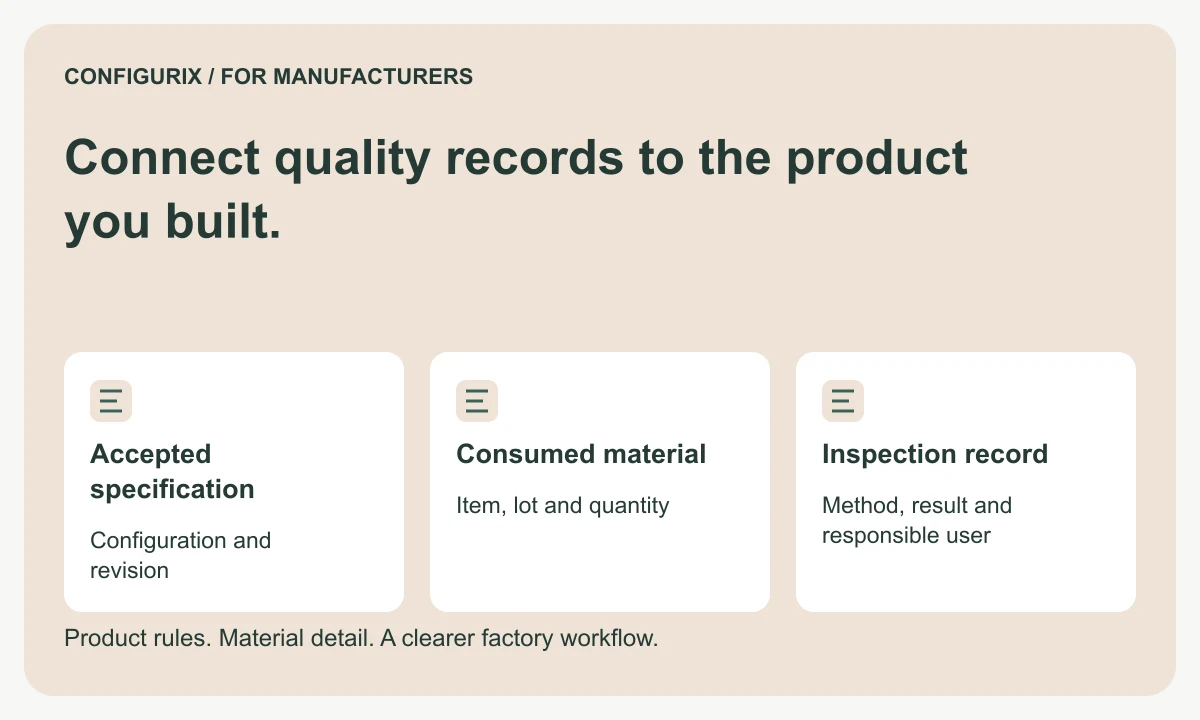
Connect quality records to the product you built.
Plan factory quality workflows linking configurations, material lots, serial numbers, inspection results, rechecks and authorised release decisions.