
Can a customer compare two saved product configurations?
Specify side-by-side configuration comparison with independent options, consistent price bases, clear differences and a traceable chosen revision.
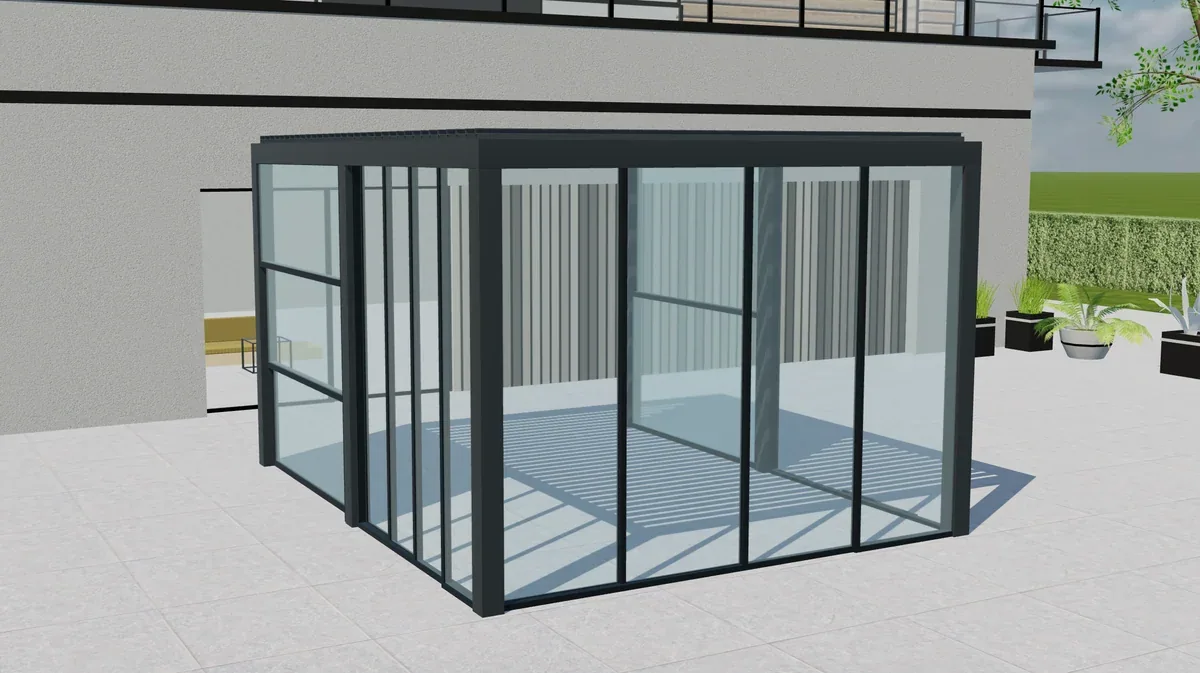
Table of contents
A customer comparison should preserve two distinct specifications and explain their meaningful differences. Showing two images is useful, but buyers may also need to compare dimensions, accessories, included services and price status. Define how alternatives are saved and which one becomes the accepted project.
Create alternatives without overwriting the first choice
Start with a saved configuration, duplicate it as an alternative and change one option. Check that the original remains unchanged. Give each alternative an identifiable name or reference that your salesperson can discuss with the customer.
Avoid relying only on labels such as “better” and “premium.” The comparison should show the actual change: a different roof system, included screen, material specification or installation scope.
| Comparison item | What the buyer needs to understand |
|---|---|
| Product differences | Selected values and relevant restrictions |
| Visual differences | Accurate representation of each alternative |
| Commercial differences | Consistent scope and price basis |
| Unresolved questions | Missing measurements or review requirements |
| Accepted choice | Identifiable configuration and offer revision |
Recalculate both alternatives on a fair basis
If a new price list applies, decide whether both drafts are recalculated or earlier issued offers retain their values. A comparison between an old base price and a new full package can mislead even when both amounts were calculated correctly at different times.
Also check shared exclusions. One alternative may include installation while another contains only product supply. Make that difference explicit rather than presenting the totals as equivalent.
Define acceptance and later amendments
When the customer chooses an alternative, preserve the accepted record and retain the other as history or a rejected option under your process. A later salesperson should not have to infer the decision from email attachments with similar filenames.
If the accepted alternative changes, create the appropriate revision. Do not overwrite the earlier comparison and remove the evidence behind the customer's initial decision.
Plan comparison workflows in Configurix
A Configurix visual CPQ project can be scoped to connect visual alternatives, controlled calculations and quotation records. Bring a real example of how your sales team presents two options today and specify which differences should be visible to the buyer.
Must the comparison show every component?
No. Show the information needed for the customer's decision while keeping detailed factory requirements available to the appropriate internal roles.
Can one customer enquiry contain several alternatives?
That can be a useful workflow. Define whether sales receives separate specifications under one project and how the chosen alternative is recorded before an order proceeds.
Book a private Configurix demo
Bring your product range, price list and a representative quote. We can define the configuration and sales workflow around your business.
Book a private Configurix demo →Related articles
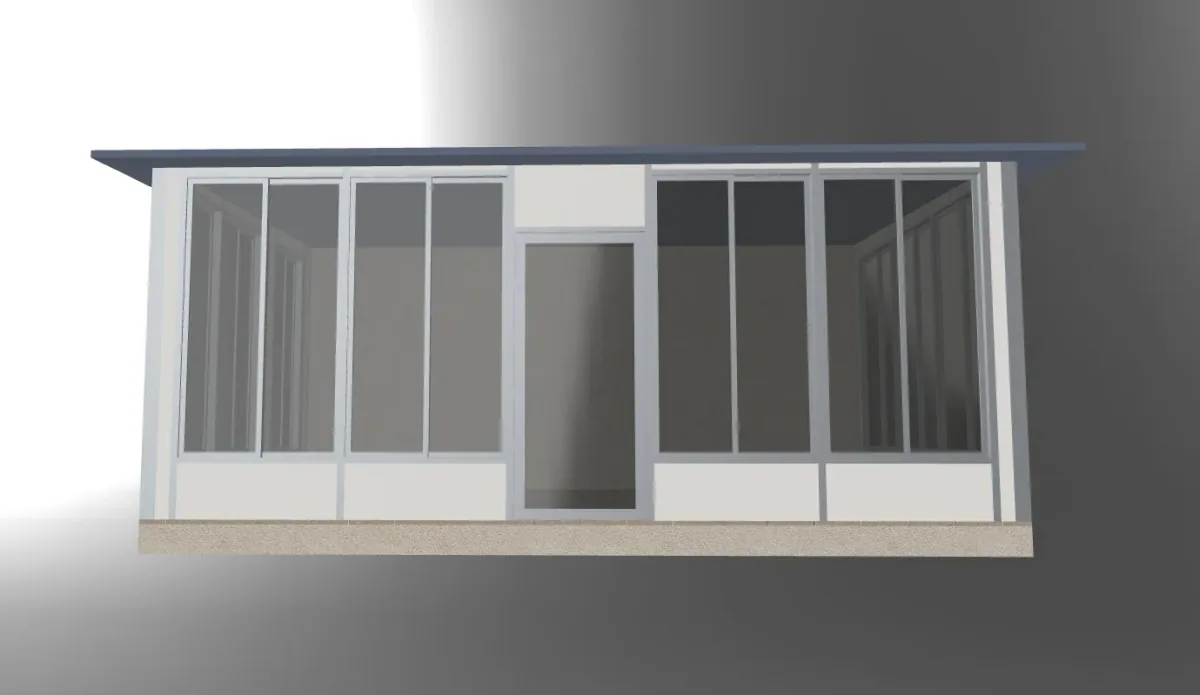
How do you compare configurator proposals with different scopes?
Normalize configurator proposals by product coverage, outputs, integrations, exclusions and acceptance evidence before comparing totals.

Which configurator analytics explain why customers leave?
Define configurator analytics around product decisions, validation, saving and enquiry completion, with interpretable metrics and appropriate data handling.
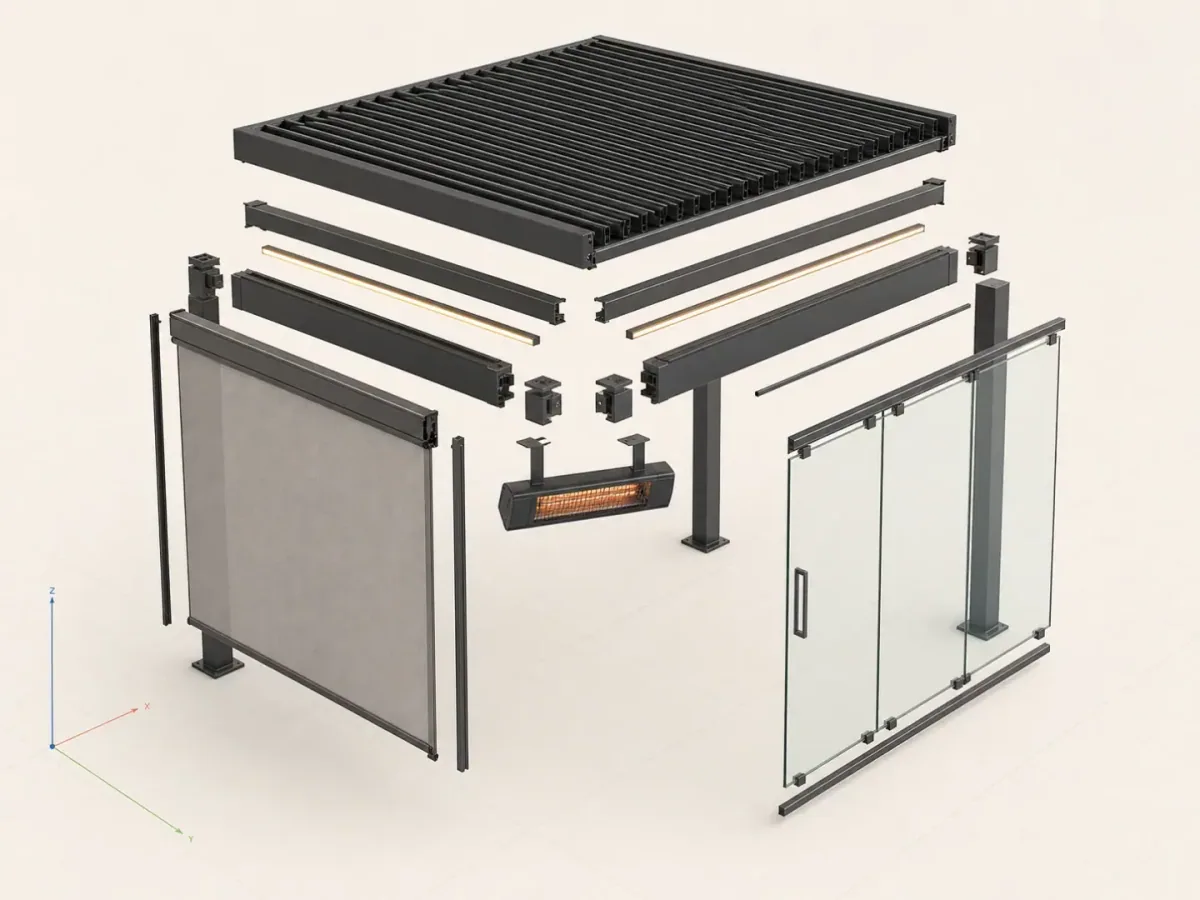
Should CAD automation also be your customer configurator?
Compare engineering automation with a customer-facing configurator by checking inputs, permissions, model detail and quotation handoffs.
Should customers configure as guests or create an account?
Choose when configurator users need an account by separating product exploration, saving, quotations and restricted dealer access.